Recipes
Using the Recipe Analyzer
Check your food costs and margins.
Ensure your menu items are profitable.
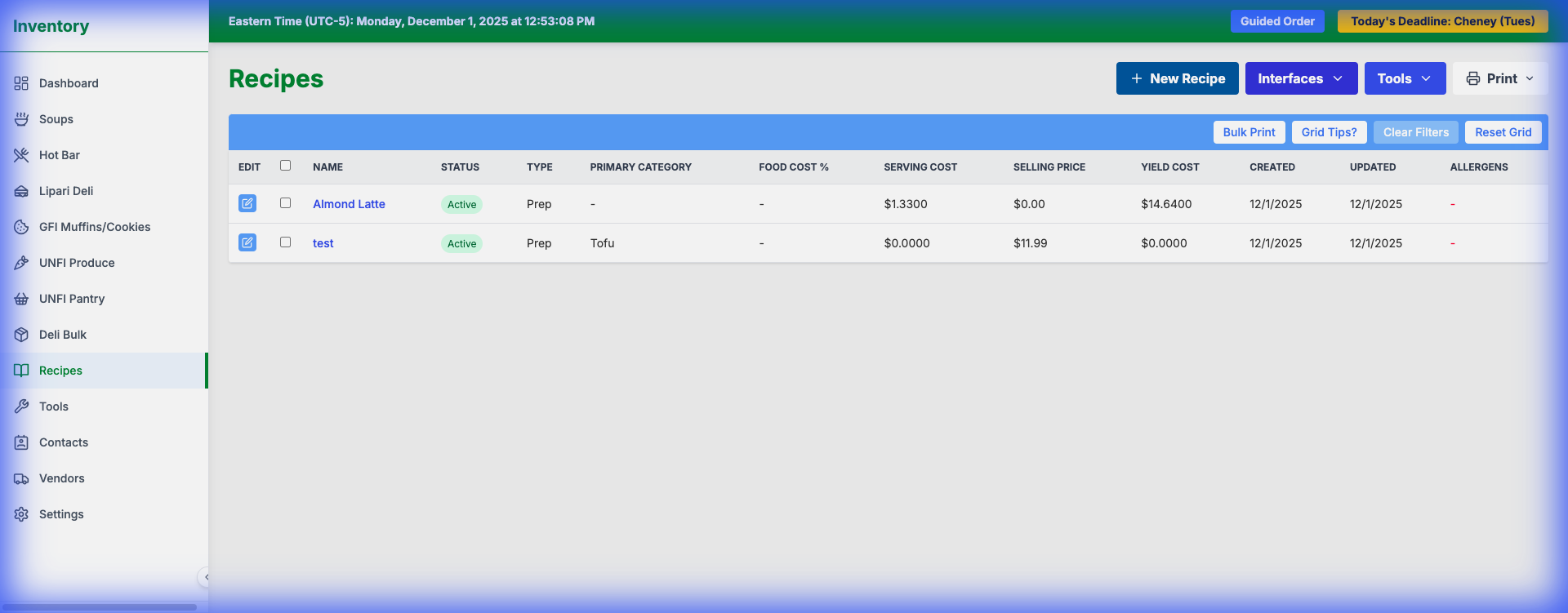
1.Go to Tools > Recipe Analyzer.
2.Select a Recipe from the dropdown.
3.The system will calculate:
- Total Cost: Sum of all ingredients.
- Cost Per Portion: Total Cost / Yield.
- Food Cost %: (Cost / Selling Price) * 100.
4.Target Margin: You can see if you are meeting your profitability goals.
**Tip**: If a cost seems wrong, check the `Cost Per Unit` of the individual ingredients in the Inventory list.