POS
Setting up POS Integration
Connect your Catapult POS to sync sales data.
You can pull sales data directly from your POS system via SFTP.
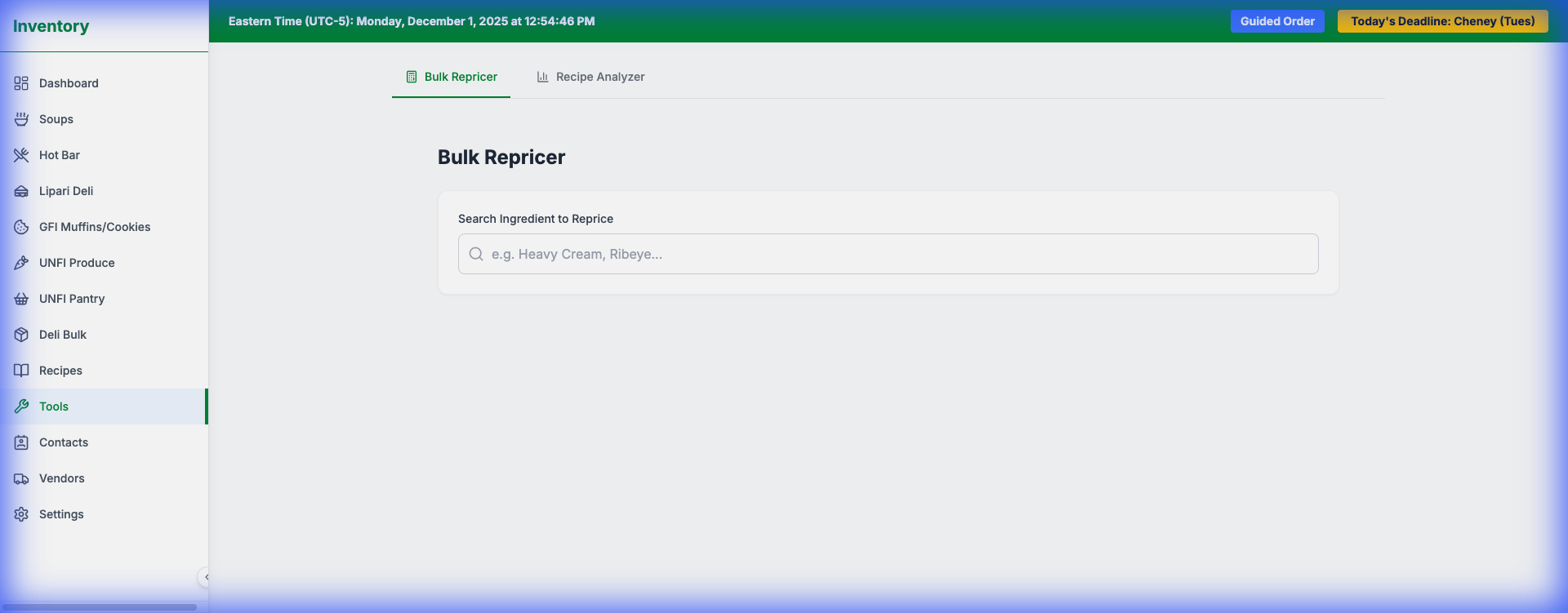
Setup Instructions
1.Go to Tools > POS Integration (or click "POS Integration" in the sidebar).
2.Click "Configure Connection".
3.Enter your SFTP credentials:
- Host: The server address (e.g., sftp.catapult.com).
- Username/Password: Your secure login details.
- Remote Path: The folder where reports are saved (default: /reports).
4.Click Save Configuration.
Syncing Data
Once configured, click the "Sync POS Data" button. The system will:
1.Connect to the server.
2.Find the latest CSV report.
3.Update the `Sales Velocity` for any matching items in the database.