Ordering
How to Place an Order
Learn how to use the Guided Order feature to submit vendor orders.
The Guided Order feature is the fastest way to build accurate orders.
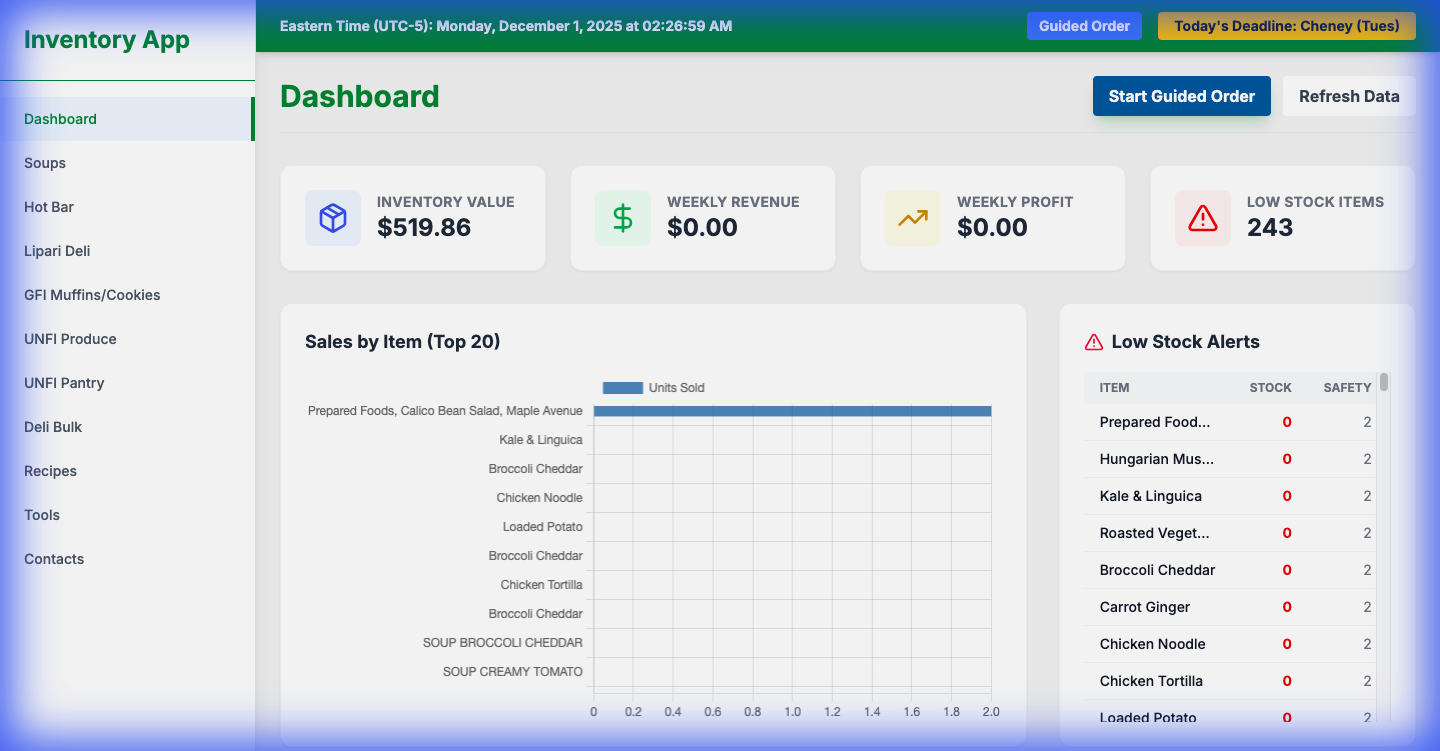
1.Start: Click the "Guided Order" button in the Top Bar (or on the Dashboard).
2.Review Suggestions: The system suggests order quantities based on:
- Current Stock: What you have on hand.
- Sales Velocity: How fast the item sells.
- Safety Stock: Buffer stock you want to keep.
3.Adjust Quantities: Manually override any suggestion by typing in the box.
4.Submit:
- Save as Draft: To finish later.
- Email Order: Generates a formatted email to send to the vendor.
- Submit: Marks the order as submitted in the system.